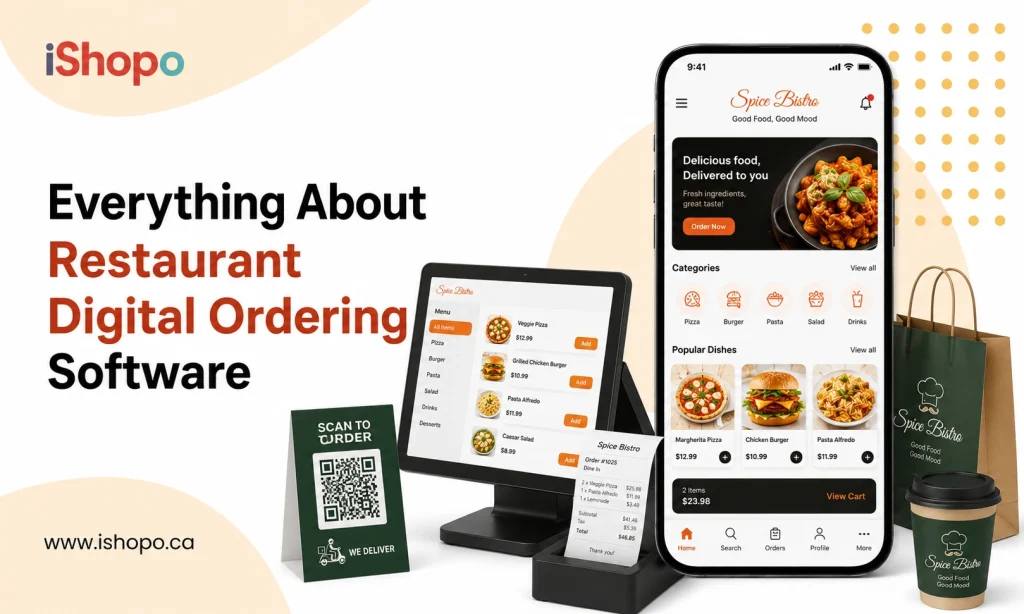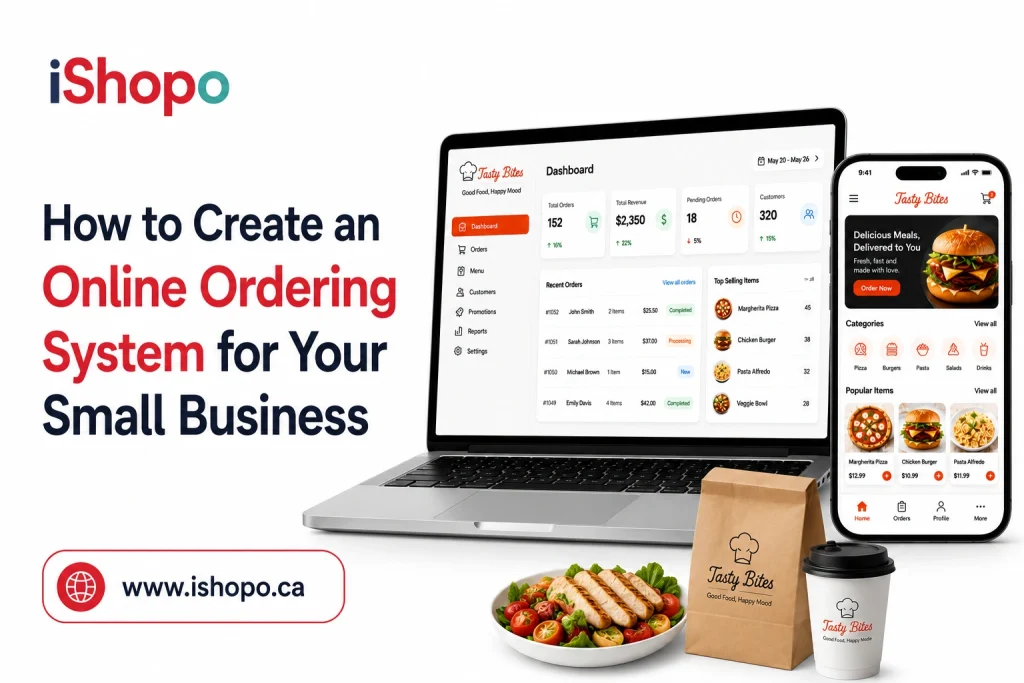
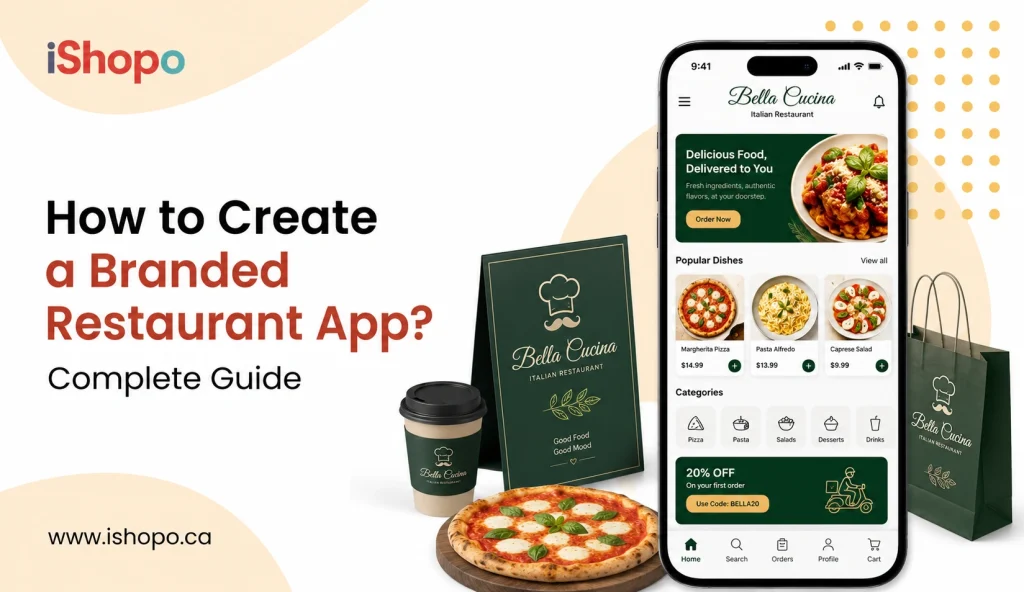

Hungry customers open their phones first, not your front door. If your brand is not on that screen, a rival will win the order. A branded restaurant app keeps you visible, owns the relationship, and turns one-time orders into repeat visits. See how strong the mobile shift already is.
Your diners are already living inside their phones. By 2026, people are expected to spend close to 8 billion USD inside mobile social apps in North America alone, as part of a global in-app social spending forecast of around 17.2 billion USD. And in 2022, users downloaded roughly 255 billion mobile apps worldwide, a number reported by Statista’s long-term app download tracker.
So the question is not “Do I need an app?” anymore. The real question is, “Will customers tap your logo or someone else’s when they feel hungry tonight?”.
A branded mobile app gives you your own space on that home screen. You stay in control of orders, offers, and loyalty, instead of getting buried under aggregator fees and random listings.
In this blog, we will walk through how to plan, design, and launch your own restaurant app, step by step, so it feels like your dining room, not just another template on the store.
TL;DR
- Put your brand on the home screen, not buried in aggregators.
- Build a Branded Restaurant App that’s fast to order, easy to pay, and clear to track.
- Start lean, launch with one outlet, then improve every week.
- Use data, loyalty, and geo-offers to turn first orders into habits.
Key Points
- A branded app keeps you visible on the customer’s phone and protects your margins.
- Define one 90-day goal, map simple flows, and keep checkout under three screens.
- Choose an approach that fits your POS and team: custom, white-label, or PWA.
- Ship must-haves first: fast menu, one-tap reorder, secure Apple Pay/Google Pay, live tracking.
- Support dine-in QR, pickup, and delivery from one system to cut chaos.
- Run points, tiers, and birthday treats to build repeat behavior inside the app.
- Use clean analytics to prune weak items, boost hits, and time offers by cohort.
- Avoid common mistakes: outdated menus, slow checkout, noisy promos, and ignored metrics.
- Launch small, measure installs and reorders, fix friction weekly, and scale location by location.
Why Do You Need a Branded Restaurant App?
Your diners live on their phones. A branded restaurant app keeps your place one tap away. You show your own menu, your own offers, your own story. No middleman taking a cut. You get orders directly. You keep the customer relationship safe.
It helps you sell more with simple tools. Push one-time offers at lunch. Run happy hour promos. Add smart upsells like drinks or sides. Offer pickup and delivery with clear ETAs. Save cards for faster checkout. Collect reviews after each order. Small steps, big repeat business.
You also get clean data to make better calls. See top dishes, slow hours, and loyal guests. Send targeted coupons to bring them back. Reduce phone mistakes. Smooth kitchen load with time slots. Add table booking, curbside pickup, and QR reorders. A branded restaurant app pays back in lower fees, higher margins, and steady loyalty. Your logo stays on their home screen. Your food stays on their mind.
- Customers can reorder their usual in one tap, with saved favourites and past orders visible.
- You can run geo-targeted lunch or happy hour offers that trigger when guests are nearby.
- The app shows real-time order tracking with live ETA and driver contact for peace of mind.
- Integrations push orders straight to your POS and kitchen screens, reducing errors and wait time.
- You own the data to segment first-timers, lapsed, and VIPs, then send coupons that feel personal.
Want more repeat orders without big commissions? Build your own branded restaurant app. It keeps your menu, offers, and story in one clean place. You own the data. You control the experience.
Also Check: Restaurant App vs. Website: What Do You Really Need?
How to Create a Branded Restaurant App: 10-Step Plan
Want your food app that guests love? Use this 10-step plan. Start by defining goals, menu scope, and target users. Choose a budget, timeline, and core features like ordering, delivery, and loyalty. Map user flows. Sketch screens. Pick tech: native, Flutter, or a white-label platform. Set up branding, colors, icons, and tone. Connect POS, payments, and delivery partners. Build MVP, test with staff and five regulars. Fix friction, then add upsells and coupons. Prepare store listings and screenshots. Train the team. Launch in one area, measure orders and repeat rates. Improve weekly. A branded restaurant app becomes your growth engine.
1) Set one clear goal
Pick a single win for launch. Example: “Increase direct online orders by 20% in 90 days.” Keep it simple. Add more goals later.
2) Map the user journey
Sketch 5 screens on paper: Home, Menu, Item, Cart, Checkout. Add two more if needed: Offers and Orders. Keep taps low. Two taps to add, one tap to pay.
3) Choose your build path
White-label platform vs custom build.
- White-label: faster, lower cost, includes ordering, payments, loyalty, delivery slots, rider integrations. Good for most independent restaurants and small chains.
- Custom build: full control, unique UX, deep POS and kitchen logic, higher cost and longer time. Fits large chains or complex menus.
Quick comparison.
- Speed to market: White-label is weeks. Custom is months.
- Upfront cost: White-label is small. Custom is high.
- Ownership: Both can be branded. Custom gives deeper control.
- Maintenance: White-label is handled. Custom needs your team.
- Flexibility: White-label is modular. Custom is unlimited.
4) Lock core features for v1
- Smart menu with add-ons and combos.
- Secure payments: cards, UPI, wallets.
- Pickup, curbside, delivery windows with ETAs.
- Real-time order tracking.
- Offers and upsells at cart level.
- Reviews after delivery.
- Basic loyalty: points or stamp card.
- Admin panel for menu, pricing, hours, outages.
Keep the shiny extras (table booking, QR re-orders) for v1.1 or v2.
5) Design for speed
Use large food photos. Crisp categories. 14–16 px body text. Clear “Add” buttons. Cart visible at the bottom. Save addresses. Auto-fill details from last order. Reduce choices on small screens. If a step takes more than 40 seconds, cut it.
6) Pick the stack and integrations
- Payments: Stripe, Adyen, local wallets.
- POS: Toast, Square, Lightspeed, or your regional POS.
- Delivery: Own riders, or link to partners.
- Notifications: In-app, push, SMS for failsafe.
- Analytics: Mixpanel, GA4, or built-in dashboard.
- CDP/CRM: Segment or native CRM to build audiences.
7) Set up data and loyalty early
Collect only what you need: name, phone, email, addresses. Tag orders by channel. Track first-time vs repeat. Run a simple earn-and-burn program. Paid loyalty can also work when you give real value. In 2024, 53% of consumers paid to join at least one loyalty program.
8) Test the kitchen flow
Do 20 dry-run orders across peak and off-peak. Check dockets, KDS routing, packing prints, inventory flags. Fix out-of-stock handling. Train staff on refunds, item edits, and prep times. One broken lunch rush can kill retention.
9) Launch with a focused offer
Push a simple “First order 20% off, up to $5.” Cap it. Promote via table tents, QR on bills, flyers in every bag, website banner, Google Business Profile, and social. Socializing can drive real sales. In 2024, restaurants reported an average 9.9% B2C revenue lift tied to social strategies.
10) Keep improving every 2 weeks
- Add one new feature per sprint, not five.
- Run A/B on the home screen banner.
- Try two push segments: lapsed 30 days, high-value repeat.
- Tune prep times, zone fees, and delivery slots.
- Review menu performance. Kill slow items. Promote top sellers.
Must-have screens and microcopy
- Home: “Order for Pickup or Delivery.” Simple two cards.
- Menu: Short category names. Keep to 6–8 per view.
- Item: Photo, brief description, add-ons, dietary tags, price.
- Cart: ETA, fees breakdown, coupon apply, tip, “Add a drink.”
- Checkout: Address, pay, notes. One-tap repeat from last time.
- Orders: Live status, map if available, contact support.
Growth levers inside the app
- Push notifications: Lunch drops at 11:30 a.m., dinner drops at 6:30 p.m., birthday coupons, rainy-day soups. Rich push improves open rates.
- Bundles: Burger + fries + drink at a small discount.
- Happy hour: 3–6 p.m. snacks with a timer.
- Geofencing: Offers to people within 2 km.
- Retention: Nudge at day 7, 14, 30 with small caps.
Basic numbers to plan
- Timeline: White-label, 2–4 weeks. Custom, 3–6 months.
- Budget: White-label, a small monthly fee plus payment costs. Custom, a larger one-time build plus support.
- Content: 20–30 photos, 5 copy blocks, 3 offer banners.
- Menu: Start with 30–60 items. Trim after the first month.
Compliance and safety
- Show taxes and fees clearly.
- Add refund, allergy, and delivery policies in settings.
- Use PCI-compliant gateways.
- Log consents for marketing messages.
Simple rollout playbook
Week 1: Define goal, flows, features, and brand kit.
Week 2: Build and connect payments, POS, delivery.
Week 3: Test with staff and 20 loyal customers.
Week 4: Launch with one capped offer, then weekly tweaks.
Also Read: Why Every Restaurant Needs an Ordering App
Must-Have Features in a Branded Restaurant App
Start with a clean menu that loads fast, with clear photos and prices. Add one tap reorder, saved favorites, and smart search. Offer dine in, pickup, and delivery, with live order tracking. Support Apple Pay, Google Pay, and cards, all secure. Build loyalty with points, tiers, and coupons. Use push alerts customers control. Let guests sign in with OTP or social, and allow guest checkout. Include allergen flags and custom notes for dishes. Add table reservations and waitlist. Give ratings and support chat. Add referral codes, multilocation support, and basic sales analytics. This makes your branded restaurant app useful daily.
1. Commission-Free Model and Full Brand Control
Stop paying order commissions on every meal. Keep your margins. A Branded Restaurant App lets you own the menu, prices, and promos, so no third party sets the rules. Use your logo, colors, and tone. Show chef notes, dish stories, and real photos. Run your own coupon codes and happy hour deals. Control delivery fees and minimums. Update items in minutes when stock changes. You get first-party data, so you can see what sells on weekdays vs weekends. Simple, direct, and yours.
2. Menu Customization and Built-In Upselling Tools
Make edits fast. Change prices, out of stock items, or add a seasonal dish in seconds. Use smart modifiers to upsell sides, drinks, and add-ons. Let guests pick spice levels, toppings, or gluten-free options. Show “goes well with” pairs under each item. Highlight best sellers and chef specials. A/B test photos and descriptions. Your Branded Restaurant App can auto-suggest combos at checkout. This nudges average order value without being pushy. Clean layout. Fewer taps. More revenue per ticket.
3. Secure, Flexible Payment Options
Trust matters at checkout. Offer Apple Pay, Google Pay, major cards, and UPI where allowed. Use PCI-compliant gateways and tokenization for saved cards. Let users split bills or pay at pickup. Support tips by percentage or custom amount. Show taxes and fees upfront. Issue instant refunds when needed. Add cash on delivery if your area prefers it. With your Branded Restaurant App, payments feel quick and safe, so carts do not drop. Clear receipts. Fast settlements. Happy guests.
4. Real-Time Order Tracking and Notifications
Reduce “Where is my order?” calls. Show each step live: confirmed, being cooked, packed, out for delivery, arrived. Use map tracking for riders. Send gentle push alerts at key moments. Allow SMS or email if users prefer. Add ready-for-pickup timers for takeout. Drivers can call masked numbers for directions. Your Branded Restaurant App keeps customers in the loop, so they relax and wait. Fewer support pings. Better ratings. More repeat orders because the process feels smooth.
5. Support for Dine-In, Pickup, and Delivery
Let people order the way they like. Scan-to-order at tables for dine-in. Quick pickup lanes for office crowds. Scheduled delivery for families who plan dinner early. Set store hours per location. Block out prep times during rush. Offer curbside and contactless handoff. Clear ETAs and special instructions help both sides. A Branded Restaurant App can route orders to the right kitchen printer or KDS. You stay organized, even on busy weekends. One system. All channels covered.
6. Insights and Data That Drive Growth
Know your guests, not guesses. Track item sales by hour, day, and weather. Spot top combos and weak links. See cohort repeat rates and coupon ROI. Export data for accounting. Build segments: lunch regulars, weekend families, spicy lovers. Send each group a simple offer. Your Branded Restaurant App turns raw orders into clear next steps. Trim slow items, double down on hits, fix bottlenecks. Decisions feel easy when numbers are plain. Better planning. Better profit.
7. Loyalty and Marketing Tools to Drive Repeat Business
Make coming back a habit. Points for every dollar. Tiers with small perks, like priority prep or a free side. Punch cards for coffee or wraps. Birthday treats and first-order credits. Push offers that customers can control. Simple refer-a-friend links. Email and SMS for gentle reminders, not spam. Your Branded Restaurant App keeps it all in one place, so users do not forget. The more they earn, the more they order. That is real retention.
Read Also: Why Restaurants Prefer White Label Food Delivery & Ordering Apps
Top 4 Mistakes to Avoid When Using a Branded Restaurant App
Small mistakes can kill downloads. First, leaving an outdated menu or missing prices. Customers bounce when photos look fuzzy or items are out of stock. Second, a slow checkout with forced sign ups and no Apple Pay or Google Pay. Keep it two to three taps. Third, weak loyalty. No points, no tiers, no birthday treats means no habit. Fourth, ignoring data. If you never check order heat maps, churn, and coupon ROI, you keep guessing. Your Branded Restaurant App should show what sells and when. Fix these four early. You will see fewer drop offs and more repeat orders.
1. Spending Too Little on Restaurant App Development
Cheap now often means expensive later. A bare-bones build skips key flows like quick reorder, saved cards, and clean tracking. You end up adding fixes every month, which costs more. Pay for a solid menu system, stable checkout, and basic analytics. Budget for real photos and copy, not just code. Set aside money for updates, OS changes, and new promos. A small buffer of 10 to 15 percent saves stress. Cut vanity features, not core UX. Invest right once. Your Branded Restaurant App will feel smooth, scale better, and keep customers coming back without constant patchwork.
2. Are You Sure It’s the Right Platform?
Choose tech that fits your kitchen and team. If you run multiple outlets, you need multi-location support and central pricing. If your staff prefers Android tablets, avoid iOS-only tools. Check POS integrations, printers, and order throttling. Can the app handle peak dinner loads? Does it support dine-in QR, pickup, and delivery without hacks. Review the roadmap, support hours, and update policy. Ask for a staging app to test with your real menu. Start with one pilot outlet. If the platform feels clunky in testing, your Branded Restaurant App will feel worse on weekend rush.
3. Excessive Ads and Information Overload
Too many banners, pop-ups, and long carousels make people quit. Keep the home screen simple. Show four to six clear categories, not twenty. Use short dish names and crisp photos. Avoid autoplay videos. One promo at a time is enough. Push alerts should be opt-in and quiet. Let users close overlays with one tap. Reserve upsell spots for checkout and dish pages only. Use plain language, not shouting caps. Clean white space helps guests think. When the screen breathes, your Branded Restaurant App feels calm and quick. People order faster, spend more, and return often.
4. Food Ordering App Performance Issues
Speed wins orders. Slow menus, laggy search, and crashes kill trust. Compress images without losing clarity. Preload best sellers. Cache the last cart offline. Limit heavy scripts. Keep checkout under three screens. Monitor 4G performance, not just Wi-Fi. Test on older phones like iPhone XR or budget Androids. Watch crash logs and fix top issues weekly. Add a fallback when GPS fails. Keep servers ready for spikes during lunch and big games. Measure time to first tap. A fast Branded Restaurant App reduces support calls, boosts ratings, and turns first-time users into regulars.
Also Check: How Can Coffee Shops Choose the Best Mobile Ordering App
Benefits of Launching Your Own Branded Restaurant App
Own your customer, not just the order. With a Branded Restaurant App, you keep profits that would go to commissions. Your logo sits on their home screen. Reorders take two taps, so impulse cravings turn into sales. Push offers land at lunch hour, not late at night. Loyalty points, tiers, and birthday treats build a habit. Data shows what sells by hour, so you plan smarter. You can run pickup, dine in, and delivery from one place. Support gets simpler with chat and live order tracking. Updates go live in minutes. More repeat business. Better margins. Stronger brand memory.
1. Loyalty Program
Turn casual diners into loyal fans. Points on every order. Simple tiers with small perks, like a free side or priority prep. Birthday treats that feel personal. Punch cards for coffee or wraps. Clear progress bars so people know what is next. Rewards auto-apply at checkout. No plastic cards to lose. Push reminders that users control. Easy referrals with a short link. In your Branded Restaurant App, all of this stays in one place. Guests earn, redeem, and repeat. You see lift in average order value and visit frequency. Loyalty becomes a habit, not a guess.
2. Easier Ordering
Make ordering feel light. Clean categories. Clear photos and prices. Smart search that understands “veg pizza” or “no onions.” One tap reorders for regulars. Saved favorites and recent items. Custom notes for spice or allergies. Quick add for sides and drinks. Cart edits without starting again. Guest checkout for speed. Apple Pay and Google Pay at the end. In your Branded Restaurant App, it takes two to three taps to place an order. Fewer drop offs. More happy customers. Dinner decisions should take minutes, not effort.
3. Better Payment Processing
Trust wins at checkout. Offer Apple Pay, Google Pay, major cards, and local wallets. Show taxes, tips, and fees upfront. Use PCI-compliant gateways and tokenization for saved cards. Let guests split bills or pay at pickup. Instant refunds when plans change. Support cash on delivery if your area needs it. Receipts arrive by email or SMS, clean and clear. Settlements land on time. In your Branded Restaurant App, payments feel quick and safe. That cuts cart abandonment and chargebacks. Smooth finish, every time.
4. Geo-Location Marketing
Reach people when they are close and hungry. Use quiet, opt-in location prompts. Trigger a lunch offer within one kilometer. Promote a rainy-day soup combo when weather dips. Highlight store-specific specials near each outlet. Send curbside pickup reminders to repeat visitors. Exclude late hours so alerts are never annoying. Measure redemptions by neighborhood. In your Branded Restaurant App, geo-rules run in the background. Right place. Right time. Fewer wasted promos, more real orders. It feels helpful, not pushy.
5. Access to Useful User Data
Know, do not guess. See which dishes sell at lunch versus dinner. Track repeat rates by cohort. Understand coupon ROI. Check search terms that lead to no results. Find add-ons that lift order value. Watch delivery times by zone. Export clean reports for accounting. Segment guests: students, office groups, families. Send each a simple offer. With your Branded Restaurant App, data turns into action. Remove slow items. Double down on hits. Fix bottlenecks before weekends. Better calls. Better margins.
How Can iShopo Help You with a Branded Restaurant App?
iShopo helps you launch a Branded Restaurant App that feels like your brand and works in your kitchen. You import the menu, set prices, add photos, and go live fast. It connects to popular POS, kitchen displays, and printers, so orders are routed to the right station. Payments are simple with Apple Pay, Google Pay, and cards, with tokenized saves and clear refunds. Loyalty comes built in with points, tiers, birthdays, and easy referrals. You can run dine-in QR, pickup, delivery, curbside, and scheduled orders from one place. Geo prompts and quiet push offers bring customers back at the right time. Clean analytics show item heat maps, repeat cohorts, coupon ROI, and prep bottlenecks. Multi-location controls let you set central menus and local prices. iShopo gives you a staging app, staff training, and playbooks, so launch week stays calm.
Final Words
Building your own app is not about trends. It is about profit, control, and habit. Keep the flow light. Keep the photos real. Ship, measure, improve. Do this, and your phone icon becomes the first place people tap when hunger hits.
A Branded Restaurant App gives you lower fees, richer data, and repeat orders. Start with one outlet. Track installs, reorders, and time to checkout. Fix the slow parts. Add small perks that feel personal. Small wins stack up fast.
If you want a faster start, try iShopo. You get core features, clean design, and support that speaks your language. Bring your menu. We will help you launch, learn, and grow. Your brand in their pocket. Every day.
FAQ’s
1. What is a branded restaurant app?
A branded restaurant app is your own mobile space with your logo, menu, and offers. Guests can browse, customize, pay, and track orders without third-party noise. You control prices, promos, and customer data. A Branded Restaurant App keeps your brand top of mind.
2. Do all restaurants need an app?
Not every place needs one, but most that do takeout or delivery will gain. If repeat orders matter, an app builds habits and saves commission. Small cafés can start lean, then add features. Decide based on clear goals, not trends.
3. What are the benefits of having a branded restaurant app?
You keep more profit, earn repeat orders, and build stronger recall. Reorders take a few taps, so cravings convert fast. Real-time tracking reduces support calls and confusion. One Branded Restaurant App can handle dine-in, pickup, and delivery from a single system.
4. Can restaurant apps integrate with my existing POS system?
Yes, many connect to popular POS, printers, and kitchen displays. Always check supported models, sync speed, and any extra fees. Test refunds, taxes, and order throttling in a staging build. Run a weekend-style load test before you go live.
5. Do restaurant apps support loyalty programs?
They do. You can run points, tiers, birthday treats, and punch cards. Rewards should auto-apply at checkout to keep it simple. Clear progress bars and small perks make guests return more often.
6. Are restaurant apps secure for payments?
Good apps use PCI-compliant gateways and tokenization for saved cards. They support Apple Pay, Google Pay, and major cards with clear fees upfront. Issue instant refunds when plans change. Clean receipts by email or SMS build trust.
7. How do I choose the right restaurant app for my business?
Match the approach to your goals, budget, and timeline. Compare custom builds, white-label platforms, and PWAs with your POS and delivery stack. Test flows on older phones and 4G, not just fast Wi-Fi. Pick the option that feels smooth during a real dinner rush.