Clover POS Integration: Manage Orders Effortlessly
Simplify sales with the Clover POS system online ordering. Manage all your online orders from a single point of sale, in real time, with zero manual entry.
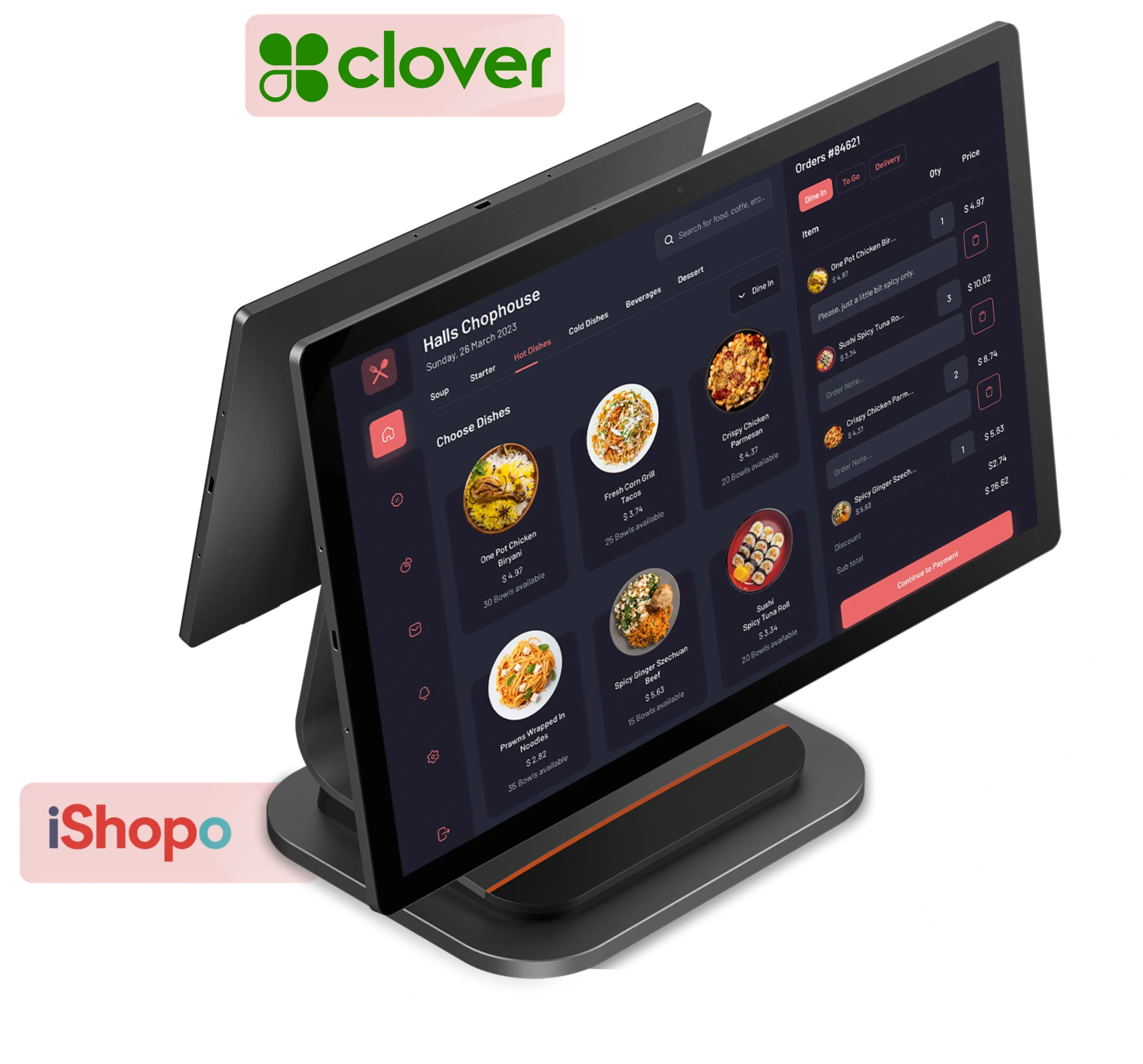
Our Clover POS Integration
Checkout how our Clover online ordering system works:
Connect your online store to Clover ordering system in a few simple steps
Orders flow in automatically — no manual entry needed
Inventory and payments sync in real time across all channels
Go live fast with full support from setup to launch
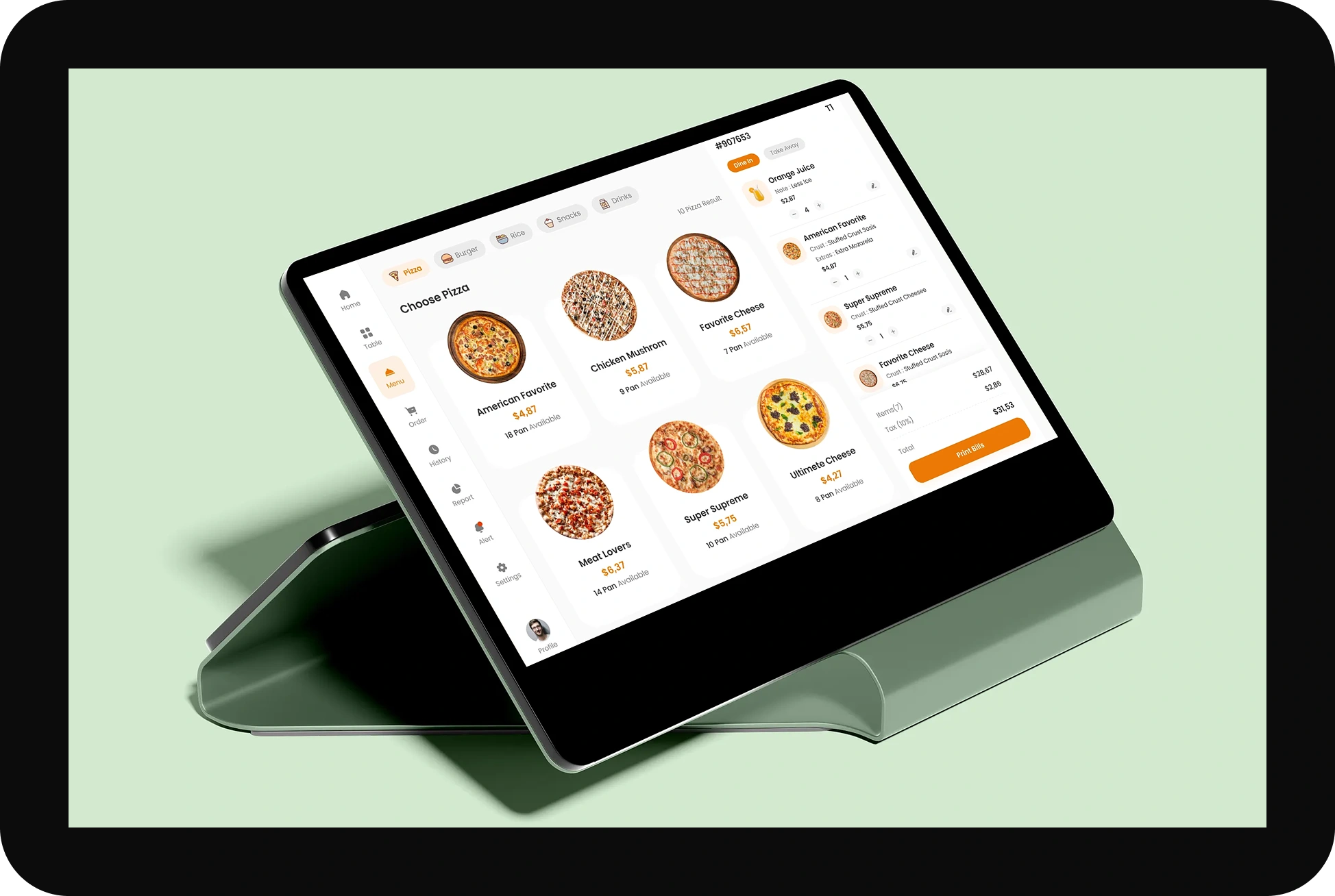
Clover POS Integration: Our Workflow
Connect your tools to Clover POS online ordering in a few steps. Orders, payments, and inventory sync automatically so your team spends less time fixing data and more time serving customers.
Managing Online and In-store Orders
All your orders land in one place. Whether a customer buys in-store or online, Clover clover pos system online ordering captures it. No switching screens, no missed orders, no manual reconciliation.
Inventory Tracking
Every sale updates your stock count in real time. Know what's running low before you run out, across every channel and every location you run with the Clover online ordering system.
Sales Reporting and Analytics
See your full sales picture from one dashboard. Track revenue, refunds, and order trends across all channels without waiting for someone to pull a weekly report.
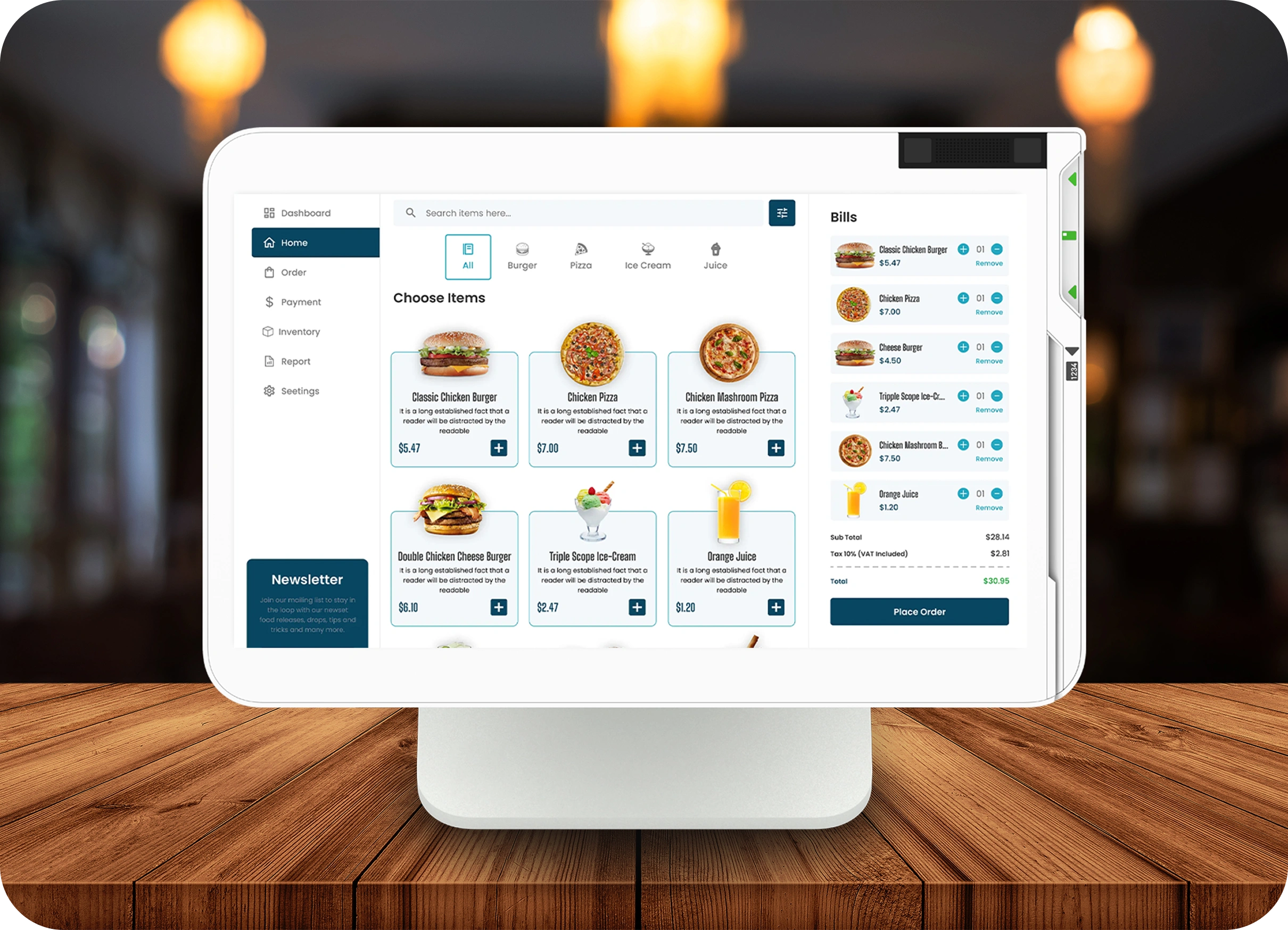
About Clover POS Integration
Clover is a cloud-based point-of-sale platform built on Android and backed by Fiserv. It handles payments, inventory, and customer data across retail, restaurant, and service businesses of all sizes. With open APIs and a growing app market, it connects to the tools merchants already use.
Clover POS integration takes that further. Instead of managing separate systems for online orders, accounting, and inventory, everything runs through one connected setup. Sales data moves on its own, stock counts stay accurate, and your team gets a clear picture of the business without chasing reports.
Ready to Connect Your Clover POS?
Tell us what you're running and what you need linked. We'll map out the integration, give you a clear timeline, and let you know upfront if something needs a custom build.
Get Your Clover POS Integration Started
Fill in a few details, and we'll get back to you within 24 hours.
Features of iShopo’s Clover POS Integration
Built for merchants who need more than basic payments. iShopo's Clover POS system online ordering connects your guest data, order history, and preferences directly to your terminal in real time.
Real-Time Guest-to-Ticket Connection
Link every guest to their POS ticket the moment they walk in. Your staff sees who's at the table, what they ordered before, and how to serve them faster.
Guest Spend and Order History at a Glance
Pull up any guest's full order and spend history in seconds. No digging through reports. The data is right there at the point of sale when your team needs it.
Track What Your Best Customers Prefer
Know which guests come back most and what they always order. Use that to offer the right thing at the right time, without guessing.
Benefits of iShopo’s Clover POS Integration
iShopo's Clover POS integration cuts the busywork out of running your business. More accuracy, faster service, and better data without adding complexity to your stack.
Less Manual Work
Orders, payments, and inventory update on their own. Your staff stops copying data between systems and focuses on the floor instead.
Faster Checkout
Guest details and order history load in seconds at the POS. Less time looking things up means shorter waits and more tables turned.
Real-Time Data
See sales, stock, and guest activity as it happens. No waiting for end-of-day reports to know how your business is performing.
Lower Costs
Fewer errors, less wasted stock, and no double entry add up fast. Most businesses recover the integration cost within the first few months of use.
Clover POS Integration
How Clover online ordering system streamlines restaurant management
- Orders from every channel flow into one POS automatically.
- Kitchen gets tickets in real time. No verbal relay needed.
- Menu updates reflect across all platforms the moment you save.
- Sales and order data sit in one place for end-of-day review.
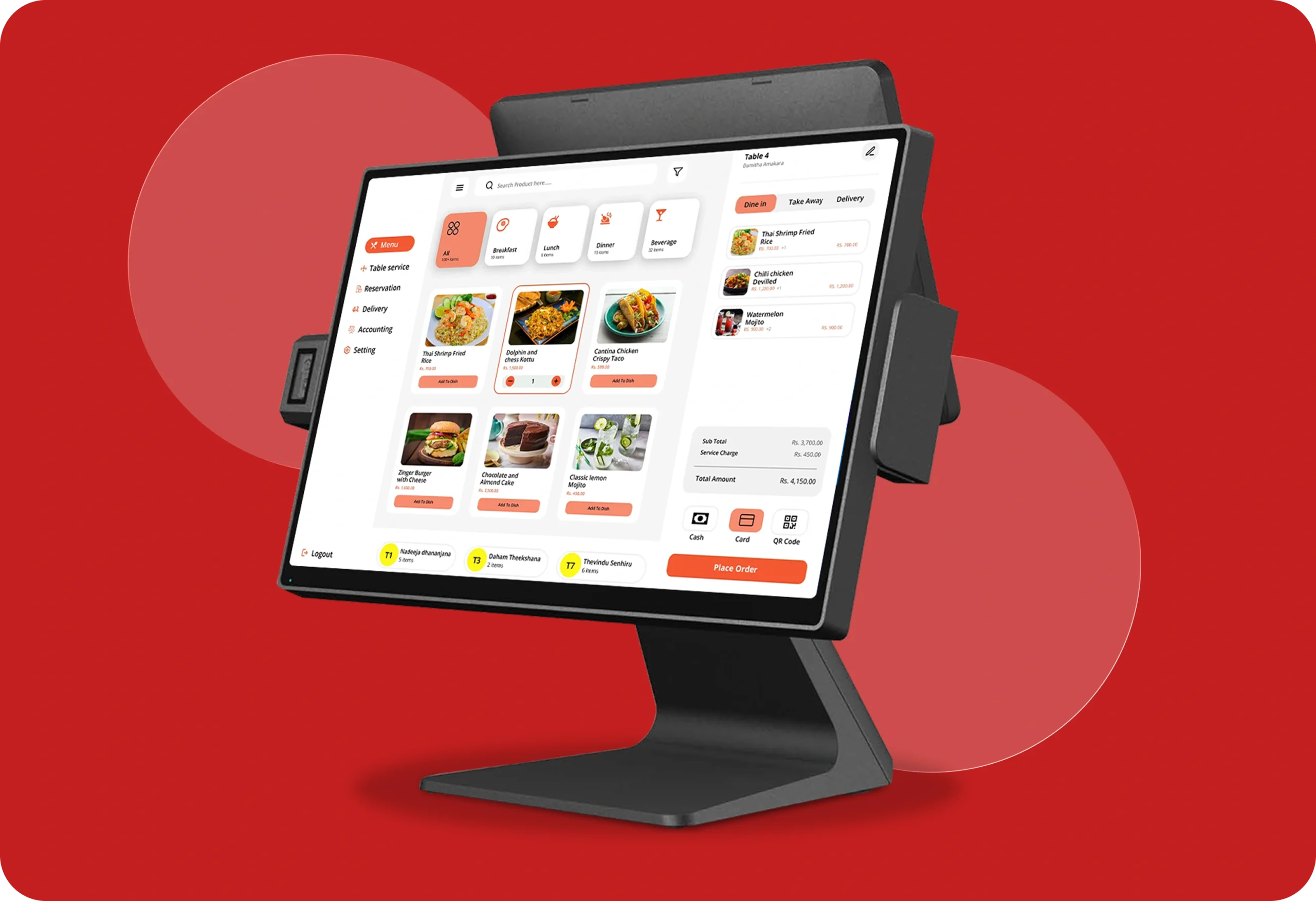
Ready to Connect Your Clover POS?
Tell us what you're running and what you need linked. We'll map out the integration, give you a clear timeline, and let you know upfront if something needs a custom build.
Tell Us What You Need Connected
Share your current setup and we'll scope out the right Clover POS integration.
Frequently Asked Questions
Get Started with Clover POS Integration
Your Clover POS can do more than take payments. Let's connect it to the tools you already use and get your data moving on its own.