
Your website is now your first host. Long before someone smells your food, they judge you on a screen. According to a study 72% of customers judge a restaurant’s credibility based on its website design. If your homepage looks old, slow, or confusing, many guests will quietly move on to the next place.
It is not just about looks. As per Statista, 63% of consumers now order directly from restaurant websites at least once a month, and this goes up to 78% for millennials and Gen Z. So your website is also a sales counter that never closes.
In this guide on restaurant website builders in 2026, we will walk through how to pick the right tool for your size, budget, and goals. You will see what really matters, what is just “nice to have”, and how to avoid paying for features your guests will never use.
TL;DR
- Your website is your first host and sales counter.
- Pick Restaurant Website Builders that load fast on phones.
- Make menus easy to edit and clear on mobile.
- Turn on direct ordering, reservations, and wallet payments.
- Connect POS, payments, delivery, email, and loyalty.
- Track basics: traffic, conversion, drop-offs.
- Choose simple pricing and real support.
Key Points
- Most guests judge you on a phone screen, so mobile speed and clarity decide sales.
- Restaurant Website Builders should offer direct ordering, honest ETAs, and one-tap payments.
- Menu management must allow quick edits, variants, allergen tags, and time-based menus.
- Integrations with POS, delivery, reservations, email, and loyalty remove manual work and errors.
- Use built-in marketing like coupons, gift cards, and gentle upsells to lift order value.
- Read analytics weekly to fix slow pages, confusing buttons, and checkout drop-offs.
- Pricing should include platform, payment, and per-order fees with no long lock-ins.
- Non-technical staff must handle updates, backups, and theme changes without a developer.
- White-glove setup, training, and a launch checklist reduce first-week mistakes.
- If the site is fast, clear, and connected, more visits turn into repeat orders.
How a Good Website Can Boost Your Restaurant Sales?
Most guests meet you online first. On a phone. In a rush. If your page takes long, looks cluttered, or hides the menu, they leave. No call. No visit.
A good site does three things. It earns trust. It shows food clearly. It makes ordering or booking fast. People want prices, hours, and a clean menu without zooming. Two or three taps, not ten.
This is where smart restaurant website builders help. You get clear templates, easy menu tools, and built-in ordering without chasing a developer for small fixes. Each direct order saves commission and keeps the guest with you, not a marketplace. Your site turns into a quiet worker that sells all day.
Add strong photos. Keep your menu updated. Test on a mid-range phone, not just a laptop. Use clear buttons for Order Now and Reserve. Show delivery zones, pickup times, and fees upfront. Add reviews and hygiene badges. Track basics like traffic and cart drop-offs, then fix what slows people down.
Also Read: Restaurant App vs. Website: What Do You Really Need
Decoding Web Hosting vs. Restaurant Website Builders
Web hosting gives full control but needs you to manage CMS, plugins, security, and updates. Website builders are all-in-one with templates and SSL, so you publish fast with less tech work. For restaurants, website matters because speed and ordering flow impact sales, choose hosting for deep custom needs or a builder for quick launch, then plug in iShopo for smooth checkout.
| Features | Web Hosting | Restaurant Website Builders |
| Key Function | Rents your server space to run your own website. | All-in-one tool to design and publish a site. |
| Focus | Full control and high flexibility. | Speed, ease, and ready-made templates. |
| Technical Requirements | Domain + CMS setup, plugins, updates, backups you manage (or via your host). | Low. Drag-and-drop editor, no coding needed, platform handles updates. |
| Restaurant Features | Build custom menu pages, embed ordering (iShopo/ChowNow/Toast), reservations widgets (OpenTable), custom SEO. | Ready templates, menu blocks, forms, basic booking, app stores for food ordering links. |
| Security Features | SSL setup, backups, firewall/WAF; server hardening depends on you or the host. | Auto SSL, managed backups, DDoS protection, platform-managed patches. |
| Examples | Bluehost, SiteGround, DigitalOcean, AWS Lightsail. | Wix, Squarespace, Shopify, Webflow, WordPress.com. |
How Restaurant Website Builders Can Benefit Your Business?
Generic site tools look pretty. Restaurant sites need to work hard. Guests check hours, browse menus, and order on phones. A specialized builder is built for this daily flow. It keeps pages fast, menus clean, and checkout smooth. Less tinkering. More orders.
- Menu blocks with sizes, modifiers, spice levels, and allergens.
- Holiday and special hours that auto-switch on time.
- Mobile-first pages that load fast on 4G.
- Local SEO with schema for menu, hours, and reviews.
- Location pages for multi-store brands with unique delivery zones.
- POS, KDS, and printer sync, so tickets print to the right station.
- One-click to hide out-of-stock items.
- Built-in loyalty, coupons, gift cards, and simple email.
- Accessibility-ready templates with strong contrast and alt text.
- Analytics for traffic, conversions, and popular dishes.
Use a restaurant-first builder for your site, then plug in iShopo for branded ordering and rewards. Guests browse, order, pay, and earn points in a few taps. You keep control of data, protect margins, and run service without extra screens.
Which Restaurant Website Builders Are Right For You?
Start with your team and timeline. Do you want speed or full control? Both paths can work. Pick what keeps your menu fresh and your orders smooth.
Choose a website builder if:
- You need a site this week with minimal setup.
- Your team prefers drag-and-drop, not code.
- You want templates, SSL, and backups handled for you.
- You plan simple pages with menu, hours, photos, and ordering links.
- You will add buttons for branded ordering and loyalty.
Choose web hosting + CMS if:
- You want deep SEO, blogs, and custom layouts.
- You need advanced plugins or unique menu designs.
- You can manage updates or have an agency.
- You plan multi-location sites with special pages and workflows.
- You want tight control over speed, security, and tracking.
Good options to shortlist
- Website builders: Wix, Squarespace, Shopify, Webflow.
- Web hosting + CMS: WordPress on SiteGround, Bluehost, or DigitalOcean.
Whichever you choose, connect iShopo for checkout and rewards. Keep the site fast, the menu clear, and the path to order one tap away.
Read Also: How to Create a Restaurant Ordering Website
Important Factors You Need to Consider While Choosing Any Restaurant Website Builder
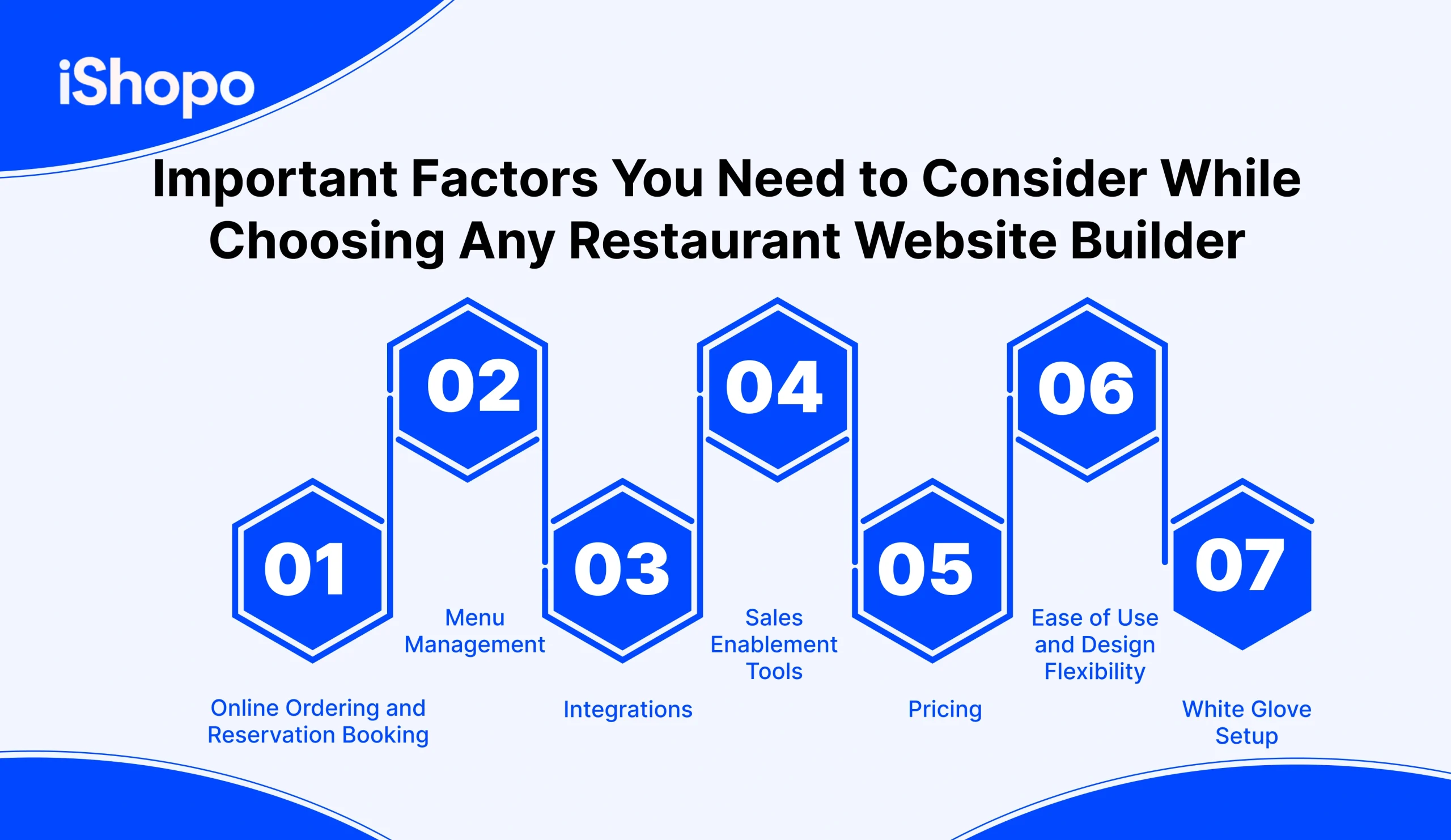
Choosing the right platform starts with your goals. Do you need direct orders, table bookings, or both. Check how fast the checkout feels on a phone. See if menus are easy to edit in minutes. Look for add-ons, sizes, and images. Confirm POS, payment, and delivery integrations. Read pricing line by line, including payment fees. Avoid long contracts. Test templates for speed, clarity, and taps. Ask about white glove setup, training, and support hours. Make sure you own your domain and customer data. Pick tools your team can run without a developer. With restaurant website builders, growth should feel simple.
1. Online Ordering and Reservation Booking
Your checkout flow should feel quick and safe on a phone. Guests must add items, pick add-ons, choose pickup or delivery, and pay in a few taps. Show live prep times and delivery windows. Let people book tables by date, time, and party size. Add deposits for peak hours if needed. Confirm by SMS and email. Offer guest checkout and saved cards for repeats. Clear fees, taxes, and tips reduce drop-offs. Test the full flow on mid-range Android and older iPhone models. The best Restaurant Website Builders make all of this simple to set up.
2. Menu Management
You should be able to edit the menu in minutes. Add new dishes, hide items that run out, and change prices in bulk. Support sizes, combos, and modifiers like spice level or extra cheese. Use high-quality photos, short names, and clean allergen tags. Schedule lunch, dinner, and happy hour with start and end times. Clone sections for new locations. Keep a change log, so you know who edited what. A good system reduces mistakes and keeps the menu honest. Strong Restaurant Website Builders bring these controls into one clean dashboard.
3. Integrations
Your website works best when it talks to your other tools. Check POS links for real-time item counts and order sync. Confirm payments with Stripe, Square, Adyen, or your processor. For delivery, review DoorDash Drive or local courier hooks. Add Google Reserve for bookings. Connect email tools like Mailchimp and loyalty apps. Ask for webhooks or an API for custom needs. Fewer manual steps mean fewer errors. Map each integration to a clear business win before you switch it on. Reliable Restaurant Website Builders offer tested, documented integrations.
4. Sales Enablement Tools
Small nudges lift average order value. Use smart upsells, add-on prompts, and bundles. Offer first-order coupons, gift cards, and loyalty earn and burn. Show “popular with this item” on dish pages. Bring back shoppers with abandoned cart emails or SMS. Add a banner for limited-time menus. Use simple reports to track top sellers, add-on take rates, and checkout drop-offs. Test one change per week. Keep what moves the needle, and remove what distracts guests from ordering. Choose Restaurant Website Builders that include these tools out of the box.
5. Pricing
Look beyond the headline plan. Add platform fees, payment processing, per-order costs, and any add-on modules. Check limits on products, bandwidth, and admin users. Ask about multi-location pricing and seasonal pauses. Avoid long lock-ins and steep termination fees. Confirm you own the domain, content, and customer data. Compare the true monthly cost at your order volume. A fair plan scales with you, not against you. Put the math in a sheet, decide, and review it every quarter. Good Restaurant Website Builders publish clear pricing and terms.
6. Ease of Use and Design Flexibility
Non-technical staff should manage pages without fear. Look for clean templates, blocks you can rearrange, and global styles for fonts and colors. Pages must load fast, pass Core Web Vitals, and work well on small screens. Keep buttons large and within thumb reach. Support custom CSS when you need finer control. Offer draft mode and rollback, so mistakes are easy to fix. With the right Restaurant Website Builders, you can move faster and keep design on brand while staying mobile-first.
7. White Glove Setup
Time is tight in a busy kitchen. White glove setup can handle the heavy lifting. Ask for menu import, photo resizing, DNS setup, and POS connections. Get a branded theme, starter pages, and basic SEO in place. One training call should cover orders, refunds, menu edits, and reports. Launch with a checklist for payments, taxes, delivery zones, and test orders. Demand clear support hours and a named contact. A smooth start saves weeks and prevents costly first-week errors. Pick Restaurant Website Builders that offer true done-for-you onboarding.
Also Read: Build Your Own Restaurant Website: A Detailed Guide
How Are Restaurant Website Builders Different?
Some features live in restaurant-first platforms, not in generic builders. This section explains the gaps. Think live menu edits during service, instant out of stock items, time based specials, and allergen tags that stay clean on mobile. Add real online ordering with tips, curbside, delivery, and clear ETAs. Seats need a table booking grid with deposits and reminders. Multi location controls, mapped delivery zones, and KDS links keep ops smooth. Loyalty that earns and burns at checkout. POS sync for taxes, items, and refunds. Photo tools that compress without losing color. Order throttling when the kitchen is packed. Restaurant Website Builders cover these.
1. Dynamic Menu Management
Most generic builders treat menus like static pages. You need live control. Good Restaurant Website Builders let you change prices fast, an item mid-service, or swap sides without breaking the layout. Schedule lunch, dinner, brunch, and festive menus by day and time. Add variants like size, spice, gluten-free, or vegan. Show allergen tags and calorie notes. Bulk edit categories before a festival rush. Track who changed what. This keeps your menu honest, current, and easy to read on a phone.
2. Integrated Online Ordering
A form and a phone number are not ordered. True integration means add to cart, add-ons, tips, delivery or pickup, and secure payment in a few taps. Guests should see fees, ETAs, and order status clearly. Smart builders send instant SMS and email receipts, support Apple Pay and Google Pay, and let repeat guests save cards. One clean cart powers pickup, curbside, and delivery. The flow must be fast on mid-range phones, or you lose orders quietly.
3. Table Reservation System
A simple contact form creates extra calls and no-shows. A proper reservation system shows real slots by party size, buffers tables for turn times, and handles deposits for peak hours. Guests should get confirmations, reminders, and easy cancel links. Staff see the book live, not a messy sheet. Add notes for high chairs or anniversaries. Block double bookings. Sync closures on holidays. With this in place, hosts spend less time on the phone and more time greeting guests.
4. Multi-Location Support
Running two or ten outlets needs structure. You want one master menu with local overrides for price, tax, and availability. Hours differ by store. Delivery zones differ too. Good systems route each order to the right kitchen and show the correct phone number and map. Promotions can be chain-wide or store-level. Reports roll up nicely but still let you drill down. If this is missing, you end up with copy-paste websites and messy data that slows decisions.
5. Delivery Zone Mapping
Flat delivery rules waste time and money. Zone mapping lets you draw exact areas, set fees and minimums by distance, and block far addresses during rush. ETAs adjust by traffic and kitchen load. Guests see their options before they build a cart. Drivers get clear notes and pickup instructions. If your area has gated communities or river crossings, map them once and save headaches later. The aim is simple: deliver hot food, keep costs in check, and avoid refunds.
6. Kitchen Display Integration
Printed tickets get lost. Ink runs out. A kitchen display system shows live orders on screens, groups by course, and tracks prep times. Fire mains when starters are close. Mark items ready. Color cues help stations work in sync. When KDS links to your site, orders land in the kitchen instantly, not in an inbox. Less retyping, fewer mistakes. You also get data: average prep times, bottlenecks, and late orders. That data helps you fix Friday night delays.
7. Loyalty Program Tools
Third-party apps hold your customers. Your own program brings them back to you. Points on every direct order, simple rewards, and tier perks that feel real. Show balance at checkout. Send birthday treats and “two orders to gold” nudges. Let guests earn in-store and redeem online. Keep profiles with consent so you can segment by dish or spend. If your builder lacks this, repeat visits leak to marketplaces and you keep paying commission for the same diners.
8. Food Photography Optimization
Photos sell. Heavy photos also kill speed. You need auto-resize, smart compression, and clean cropping for phones. Keep color true so butter chicken looks like butter chicken. Use alt text for SEO and accessibility. Support square and 4:3 crops, not only banners. Lazy loading keeps pages quick. A gallery that handles 10–20 dishes per category without lag is ideal. One rule: simple background, sharp focus, natural light. Better photos lift clicks on add-to-cart, which lifts revenue.
9. POS System Integration
If staff retype web orders into the POS, errors creep in. A proper link syncs items, taxes, discounts, and inventory both ways. Price changes in POS reflect online without double work. The daily close is clean. Refunds and voids track to the right ticket. Staff see notes like “no onions” and “allergy: peanuts” inside the POS. If your builder does not support your POS, expect mismatched numbers, missing items, and a tired manager fixing reports late at night.
10. Order Timing Controls
Kitchens have limits. Timing controls let you throttle orders when the board is full. Cap delivery slots per 15 minutes. Add prep buffers when a big party sits. Pause pastries when the oven is down without closing the whole store. Pre-order windows help for game days and festivals. ETAs should stretch under load automatically. Clear timing protects quality and keeps support calls low. Guests prefer honest time over false promises that end in cold fries.
Read Also: How to Build a Restaurant Website: Complete Guide
Can You Make Your Website Responsive With Restaurant Website Builders?
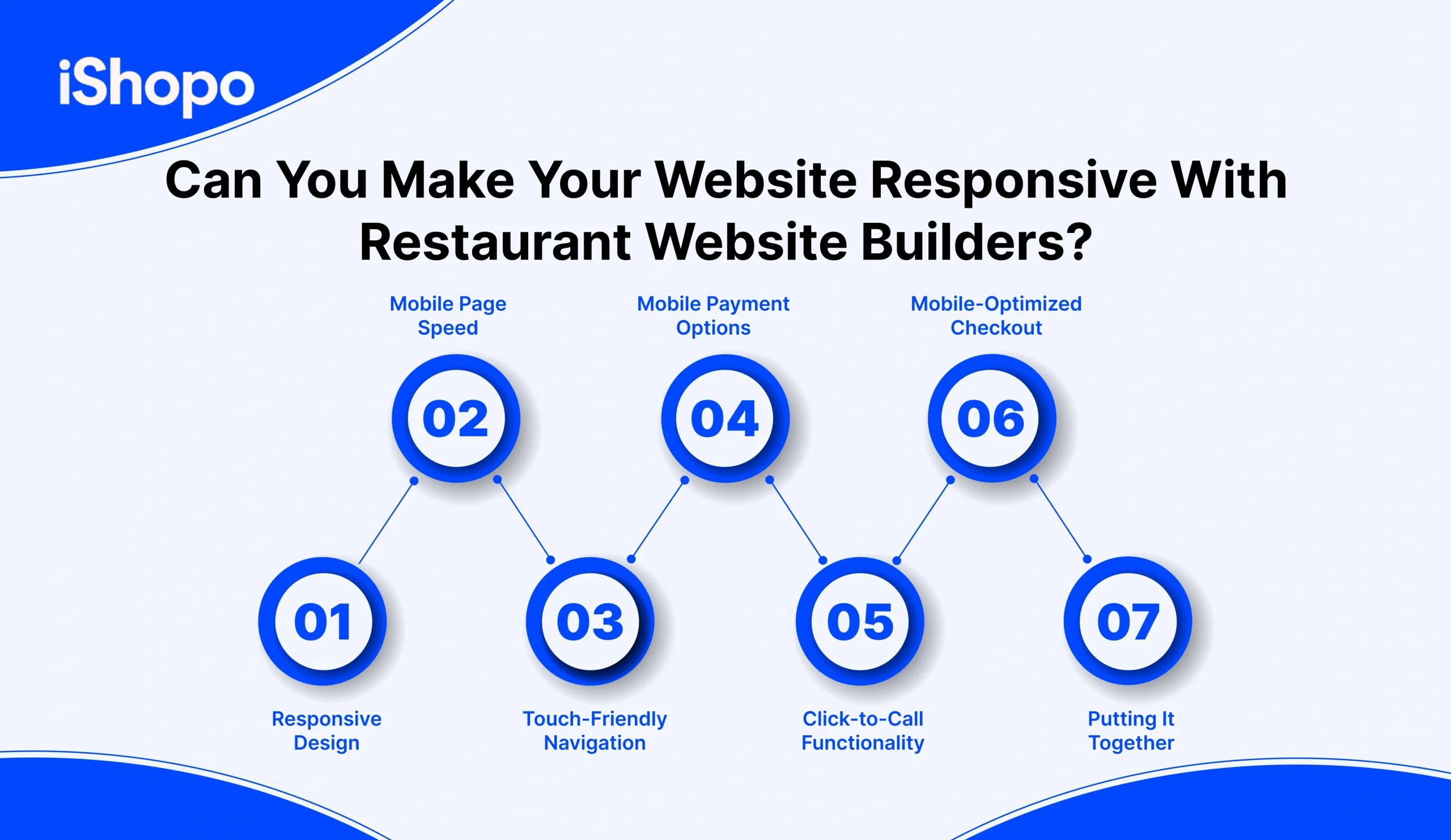
Most guests visit on a phone. If your pages load slow or the menu needs zoom, they bounce. Keep layouts responsive, images compressed, and buttons large. Test on basic Android and older iPhone models, not only the latest phones. Aim for two seconds on the first screen. Use lazy loading for photos. Keep the copy short and readable. Place Order Now and Reserve where the thumb rests. Support Apple Pay and Google Pay for one-tap checkout. Show clear ETAs and fees upfront. Add click-to-call for quick questions. With the right Restaurant Website Builders, these mobile basics turn taps into orders, day after day.
1. Responsive Design
Most guests browse on phones first. Your site must flex to any screen. Text should reflow cleanly, and images should scale without breaking. No pinching or awkward zooming. Buttons and links should stay in the same logical order. Keep headers short, and stack sections in a simple column. Test portrait and landscape. Check common sizes like 360×800 and 390×844. Use fluid grids and percentage widths. Avoid fixed pixels for layout blocks. With responsive design in place, your pages feel natural on every device. That comfort keeps people reading, tapping, and ordering. It also reduces support calls from confused guests.
2. Mobile Page Speed
Speed decides if people stay. Aim to load the first screen in two seconds. Compress images without losing color. Use next-gen formats like WebP. Defer scripts that are not needed on the first view. Minify CSS and JavaScript. Cut heavy sliders and auto-play videos. Use lazy loading for below-the-fold photos. Cache pages for repeat visits. Keep third-party widgets to a minimum. Run a quick check with Lighthouse and fix the top issues. Measure again after each change. Faster pages boost conversions and search visibility. They also save data for users on slower networks. Everyone wins when speed improves.
3. Touch-Friendly Navigation
Thumbs rule on mobile. Make tap targets large and spaced out. Use a clear menu icon and a simple, short menu list. Keep key actions fixed, like Order Now and Reserve. Avoid tiny dropdowns that close by mistake. Use big, readable fonts. Keep line height generous so eyes can track. Place filters and sorting on separate screens if needed. Use icons with labels, not icons alone. Ensure swipe gestures are optional, not required. Test with one hand on a mid-range phone. Touch-friendly design lowers friction. It helps guests move from browsing to checkout without stress or errors.
4. Mobile Payment Options
Paying should take seconds, not minutes. Offer Apple Pay and Google Pay for one-tap checkout. Keep card entry short and secure. Show prices, taxes, fees, and tips before payment. Save cards for logged-in users with consent. Support split tenders if your model needs it. Keep CVV and postal code fields simple. Use clear error messages that explain the fix. Do not force account creation to pay. Confirm the order with instant SMS and email. This trusted, quick payment flow reduces drop-offs. It also encourages repeat orders because the process feels safe and familiar on a phone.
5. Click-to-Call Functionality
Sometimes people want answers fast. A clean click-to-call button helps them reach you in one tap. Place it in the header and on key pages like Contact, Menu, and Checkout. Use call tracking numbers if you run ads. Show hours next to the button so guests call at the right time. Add a short list of reasons to call, like large orders or allergy checks. Test that the link opens the dialer on both iPhone and Android. Keep the number the same across pages. Simple call access builds trust. It also prevents abandoned carts from small doubts.
6. Mobile-Optimized Checkout
Checkout is where money is won or lost. Use a single-page flow with clear steps. Show cart items, fees, delivery zones, and ETAs upfront. Let guests edit quantity and modifiers without leaving the page. Offer guest checkout, digital wallets, and minimal typing. Auto-detect addresses and validate postcodes. Keep form labels above fields for clarity. Hide distractions like extra banners. Display support links and refund basics in plain words. Confirm orders with a friendly success screen and next steps. Test the full flow on older phones. A smooth mobile checkout lifts conversion and reduces support tickets.
7. Putting It Together
Mobile optimization is not one switch. There are many small choices that add up. Start with responsive design, then fix speed, touch targets, payments, calling, and checkout. Test on basic Android and older iPhone models, not just new flagships. Measure bounce rate, load time, and checkout drop-off weekly. Improve what you can control first. With these basics right, even simple Restaurant Website Builders can deliver a fast, friendly mobile experience that turns taps into orders.
Also Read: White Label Food Delivery & Ordering Apps: Why Restaurants Switch
What Type of Integrations Can Be Embedded with Restaurant Website Builders?
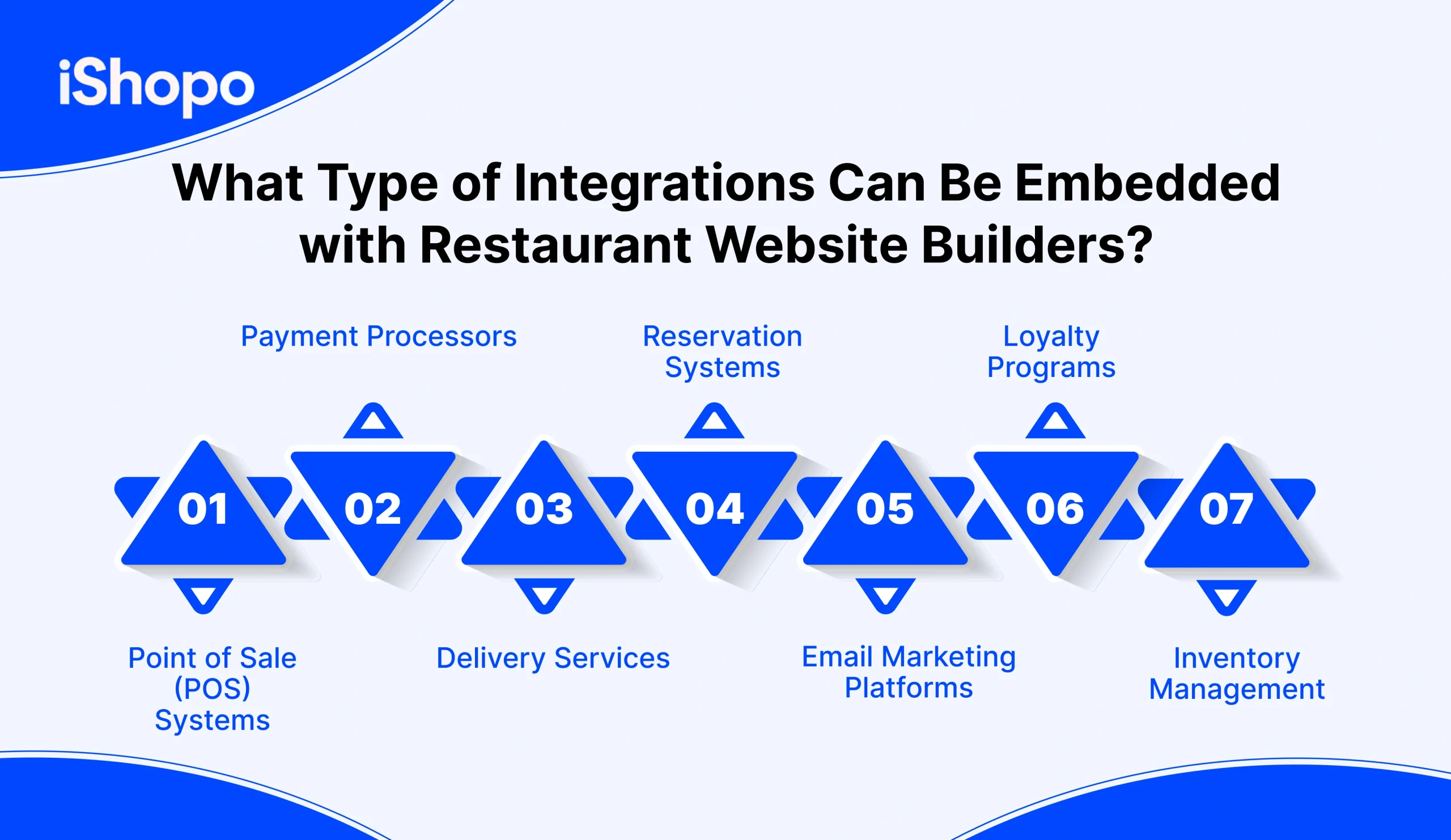
Great Restaurant Website Builders should connect your tools, not create more work. Plug in POS, payments, delivery, bookings, email, loyalty, and inventory. Each link should remove a manual step and cut errors. Aim for one source of truth.
1. Point of Sale (POS) Systems
Your POS is the brain. Sync menu items, prices, taxes, and discounts both ways. Web orders should land in the POS with notes like “no onions” and “allergy: peanuts.” Inventory counts update in real time. Day-end reports match without hand edits. If your POS changes a price, your website reflects it within minutes. Good Restaurant Website Builders publish tested POS connectors and a status page for uptime.
2. Payment Processors
Payments must be secure and fast. Connect Stripe, Square, Adyen, or your local processor. Support Apple Pay and Google Pay. Show fees, tips, and taxes before pay. Store cards for logged-in users with consent. Use clear error messages that explain fixes. Refunds should sync back to the POS and your reports. Restaurant Website Builders should be PCI aware, use tokens, and avoid keeping raw card data.
3. Delivery Services
Not every team has drivers. Link DoorDash Drive or a local courier. Map delivery zones, fees, and ETAs. Send order details to drivers with pickup notes. Track handoff and proof of delivery. If a courier goes down, fail over to a backup. Guests see clear time windows and costs before checkout. Orders route to the right location. A tight delivery link keeps food hot and support calls low.
4. Reservation Systems
Bookings should not live on a separate island. Connect Google Reserve or your table system so slots show live. Add deposits for peak hours and easy cancel links. Confirmation and reminder messages go out on time. Hosts see the book on one screen, not two. Special notes, high chairs, or anniversaries carry into service. If hours change, both systems update. This reduces no-shows and phone time.
5. Email Marketing Platforms
Email still drives repeat orders. Connect Mailchimp, Klaviyo, or your tool of choice. Capture emails with consent at checkout. Sync order history for segments like “pizza lovers” or “high spenders.” Send first-order offers, win-back notes, and birthday treats. Use simple templates that match your brand. Track opens, clicks, and redemptions. Restaurant Website Builders should offer native fields and webhooks, so data flows clean.
6. Loyalty Programs
Keep loyalty inside your own system. Let guests earn on every direct order and redeem in the same cart. Show points at checkout. Offer tiers that feel real, not just tiny discounts. Run birthday or anniversary rewards. Sync profiles across web and in-store with the POS. If the builder supports a partner loyalty app, make sure balances match in real time. This keeps repeat visits with you, not a marketplace.
7. Inventory Management
Stock should tell the truth. When chicken runs low, hide dishes or cap orders. Sync counts from POS to your site. Set alerts for low stock. Support prep-level tracking for sauces or bases if you need it. Bulk updates before festivals or game days save time. Reports show waste, sell-through, and menu gaps. Restaurant Website Builders that link inventory will help you avoid refunds and angry calls.
Read Also: Restaurant Loyalty Software: A Simple Guide
Top 7 Restaurant Website Builders
The best restaurant website builders do three things well. They launch fast, look good on mobile, and turn visits into orders. Look for drag-and-drop editing, menu blocks with sizes and modifiers, and easy hour updates for holidays. Strong SEO matters, so schema for menu and timings should be built in. Payments, gift cards, and simple loyalty help conversions. POS and printer/KDS links cut errors. SSL, backups, and uptime keep you safe. Clear analytics show traffic, popular dishes, and drop-offs. Pricing should be simple, with room to scale to more locations. Pick a builder your team can use in minutes, not weeks.
1. iShopo

iShopo lets you launch a branded website and app with ordering built in. You get commission-free checkout, loyalty, and push messages in one dashboard. POS integrations keep prices and in sync. Publishing to iOS and Android is guided, so you go live fast. Templates are made for restaurants, with menu blocks, allergen tags, and sharp mobile layouts. Reports show enrollments, redemptions, repeat rate, and average order value. Pricing is transparent with Starter and Professional plans, plus an Enterprise tier. A savings calculator helps you compare against marketplace fees. If you want a site that converts and a loyalty flow that keeps guests coming back, iShopo brings both under one roof.
2. RestoLabs

RestoLabs gives you a website and online ordering in one stack. Menus are easy to build with sizes, add-ons, and special notes. You can run pickup, delivery, and table QR ordering. The editor is simple, so non-technical teams can update photos or prices in minutes. It connects with common POS and payment gateways. Coupons and basic loyalty are built in. Reports show orders by hour, top dishes, and repeat rate. For single locations and small chains, it keeps things tidy. Use RestoLabs for the site, then plug in your preferred loyalty or marketing tools to grow repeat visits.
3. BentoBox

BentoBox focuses on brand and hospitality. You get a polished restaurant website with clean menus, gift cards, events, and catering pages. Templates feel premium and mobile friendly. Editing is quick, so you can add a new dish or seasonal banner without a developer. Online ordering, reservations, and email live in the same place. Search features are strong, with schema for hours and menus. You also get PCI payments and secure hosting. For chef-driven concepts that care about presentation and storytelling, BentoBox is a good pick. It helps you look professional and keeps the guest journey smooth from home page to checkout.
4. GloriaFood

GloriaFood is all about fast setup and clear pricing. You can launch a menu on your website in a day. The widget drops into most site builders, so you keep your design while adding ordering. Pickup and delivery are supported, with zones and fees you control. Upsells and combos help raise basket size. Orders print or hit a tablet in the kitchen. Basic coupons and promotions are easy to run. It is best for takeout-heavy places and new operators who want quick wins. Start with the built-in tools, then add email or loyalty through other services when you are ready.
5. Wix

Wix gives you a flexible website builder with hundreds of templates. The restaurant presets include menus, galleries, and booking forms. Editing is drag and drop. You can change sections, colors, and fonts in minutes. Add the Wix Restaurants app to take orders, manage delivery areas, and print tickets. SEO tools help with local searches. Hosting, SSL, and backups are included. It also has basic email and automations. For owners who want full control without coding, Wix is a strong option. Start with a simple site, connect your ordering, and keep refining as your menu and brand grow.
6. Squarespace

Squarespace shines with clean design and simple editing. Menus look neat on mobile, and pages load fast. You get built-in scheduling blocks, gallery layouts, and restaurant-friendly sections. Commerce features support gift cards and limited items. With extensions, you can add reservations or connect your ordering provider. SSL and hosting are managed for you. The editor is easy to learn, so updates take minutes, not days. For cafés and bistros that want a tasteful site with reliable uptime, Squarespace fits well. It helps you tell your story with strong visuals while keeping the path to order short and clear.
7. Weebly

Weebly is a straightforward builder owned by Square. Setup is quick, and the editor is friendly for first-time users. You can publish menus, hours, and contact details fast. If you use Square POS, adding online ordering and payments is simple. Gift cards and email can be turned on from the same account. SSL and hosting are included. It is a practical choice for small teams and budget-minded owners. Keep the site focused on key actions. Show today’s hours, a clean menu, and an order button above the fold. As you grow, you can expand with apps from the marketplace.
How to Choose the Best Restaurant Website Builder for Your Business?
The right website builder can lift your restaurant’s online presence, cut busy-work, and help you sell more directly. But only if it fits how you actually run service, not how a generic template thinks you do.
When you decide, keep these points first:
- Your specific needs: Match the builder to your concept, team size, and order flow.
- Integration: If it cannot sync with your POS, you will end up doing double entry. iShopo highlights real-time POS sync (like Square and Clover) for menus and orders.
- Mobile-first: Mobile is where diners act fast. A Hitwise report found smartphones and tablets drove 72% of searches that resulted in visits to Food and Beverage sites.
- Room to grow: Add locations, add channels, add features without rebuilding.
- Total value: Look at time saved, fewer errors, and commission-free direct ordering impact. iShopo positions itself as commission-free online ordering with restaurant website + ordering built in.
If you want one platform that stays restaurant-focused and pushes direct ordering, iShopo is a solid option to evaluate.
Ready to Transform Your Restaurant’s Online Presence?
Make this the week you turn visits into orders. With iShopo, you get a branded website and mobile app, commission-free checkout, and loyalty in one place. Setup is quick. Add your menu, set hours, publish to iOS and Android. Sync with your POS so prices, taxes, and stay correct. Guests browse, order, pay, and earn points in a few taps. You keep the data and the relationship.
Run simple offers, send smart push alerts, and track enrollments, redemptions, and repeat rate in one dashboard. Pages load fast on mobile. SSL and backups are handled. Pricing is clear, with Starter, Professional, and Enterprise plans.
Ready to start. Launch your iShopo site and app, add your order buttons everywhere, and watch steady repeats build week by week. Your brand stays front and center. Your margins stay healthy. Your team stays calm during rush.
Conclusion
Your website should help you sell, not slow you down. In 2026, choose restaurant website builders your team can edit in minutes. Pages must load fast on phones. Menus should support sizes, modifiers, and allergens. Holiday hours should switch in one click. Look for built-in SEO schema, SSL, backups, and clear analytics. Make sure it connects to your POS and your ordering flow, so tickets print right and stay in sync. Keep brand control from colors to checkout. Own the data, not just the traffic. Test a weekend rush, fix rough edges, then scale. If you want a simpler path to orders and loyalty, pair your site with iShopo for branded checkout and one clean dashboard. That combo keeps margins healthy, staff calm, and guests coming back.
FAQ’s
1. What are the key benefits of using specialized restaurant website builders?
Menus, hours, and orders work smoothly on mobile. Built-in SEO, SSL, and templates save time. POS, KDS, and printer links cut errors and speed service.
2. How can you choose the right restaurant website builders?
Match it to your team and timeline. Check mobile speed, menu blocks, SEO schema, and POS integration. Test a weekend rush, then scale if edits stay easy and orders flow clean.
3. What online ordering and payment options does iShopo offer?
Branded web and app ordering with commission-free checkout. Support for pickup, delivery, and curbside. Secure payments, tips, taxes, and receipts in one flow.
4. How can iShopo help streamline my restaurant operations?
Syncs with your POS so prices stay correct. Routes tickets to KDS/printers and keeps all orders in one dashboard. Loyalty, promos, and reports lift repeats without extra work.